Publish by zone
Target campaigns to the relevant players and displays across terminals, stations and passenger areas.
Coordinate information, advertising and retail content across passenger environments. CampaignManager connects distributed displays with schedules, data and operational visibility.
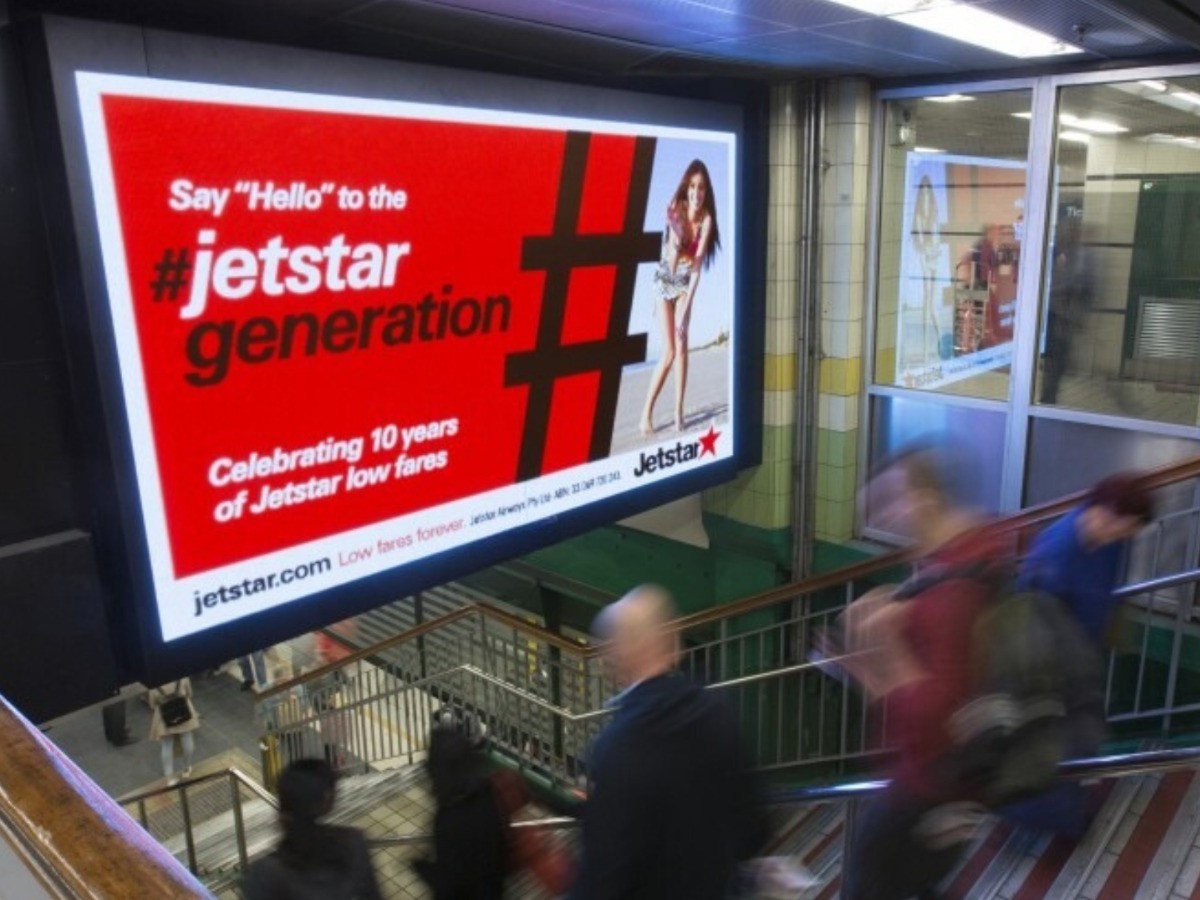
A concourse, a waiting area and a retail entrance serve different moments in the journey. Organise content around the purpose of each screen.
Target campaigns to the relevant players and displays across terminals, stations and passenger areas.
Use screen zones for visual content, web sources and supported live feeds.
Assign priorities so an important message can take precedence on targeted players.
A campaign is assigned to relevant screens in a passenger environment. Scheduled content serves each zone, while a configured data connection can provide information for that setting.
Illustrative workflow. Passenger-information integrations and operational requirements are defined for the deployment.
Review connection status, player resources and content downloads. Plan distribution around site connectivity and review playback evidence by player or campaign.
Bring a representative campaign, the player and screen details, and the decisions your teams need to make.
Map passenger information, advertising and retail content to the displays and zones responsible for each experience.
Identify the source systems, feed formats and update requirements before defining the integration.
Review connectivity, player hardware, access permissions and any site-specific requirements for priority messaging.
Start a free trial, or book a free demo to explore how CampaignManager could work for your network.