Launch together
Organise campaign media and schedules for the stores and screens carrying a promotion.
Coordinate campaigns across stores while keeping the experience relevant to each location, department and product. CampaignManager connects publishing, local context and screen operations.
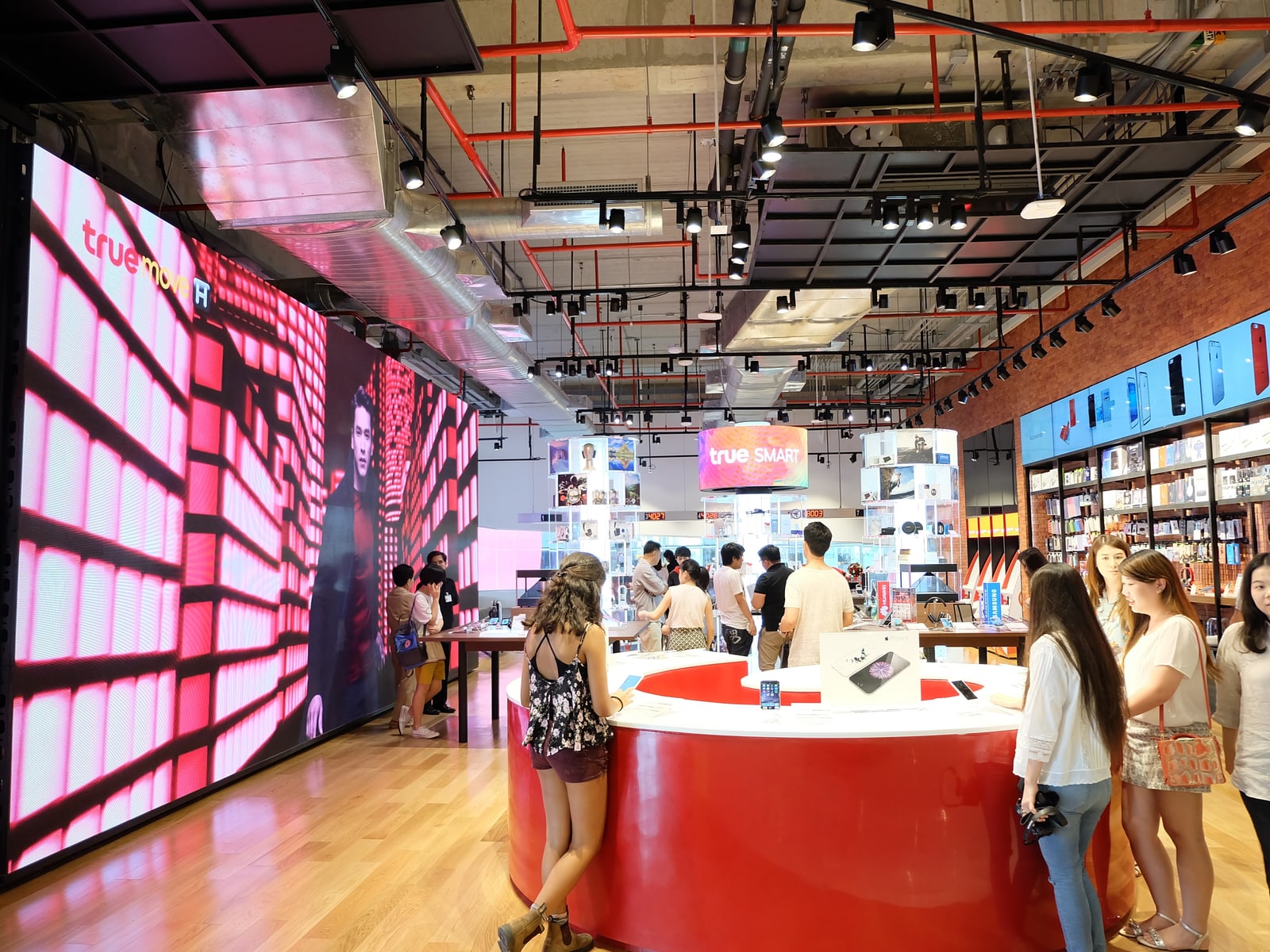
Retail teams need consistency across the estate and relevance on the shop floor. Bring both into the same campaign workflow.
Organise campaign media and schedules for the stores and screens carrying a promotion.
Use CategoryMatch attributes to include or exclude content where products or services differ.
Use configured touch or sensor interactions to present information beside the product being considered.
A shopper picks up an item at a display fixture. A compatible sensor supplies an event and the configured campaign selects the associated demonstration.
Illustrative workflow using compatible sensors and configured event integration.
Review player connectivity, downloads and content details across locations. Give publishers and operators access that reflects their responsibilities.
Bring a representative campaign, the player and screen details, and the decisions your teams need to make.
Define which campaigns are managed centrally and which responsibilities belong to store or regional teams. Map those responsibilities to roles and permissions.
Identify location attributes, relevant product or service differences, and the content that should be included or excluded.
Choose one product and one screen. Define the input, response and hardware needed to test the experience.
Start a free trial, or book a free demo to explore how CampaignManager could work for your network.