Schedule the service
Use dayparts, recurring schedules and exceptions to organise menus and offers.
Plan menus and promotions around service periods and locations. CampaignManager brings content, dayparts, targeting and player visibility into one workflow for restaurant networks.
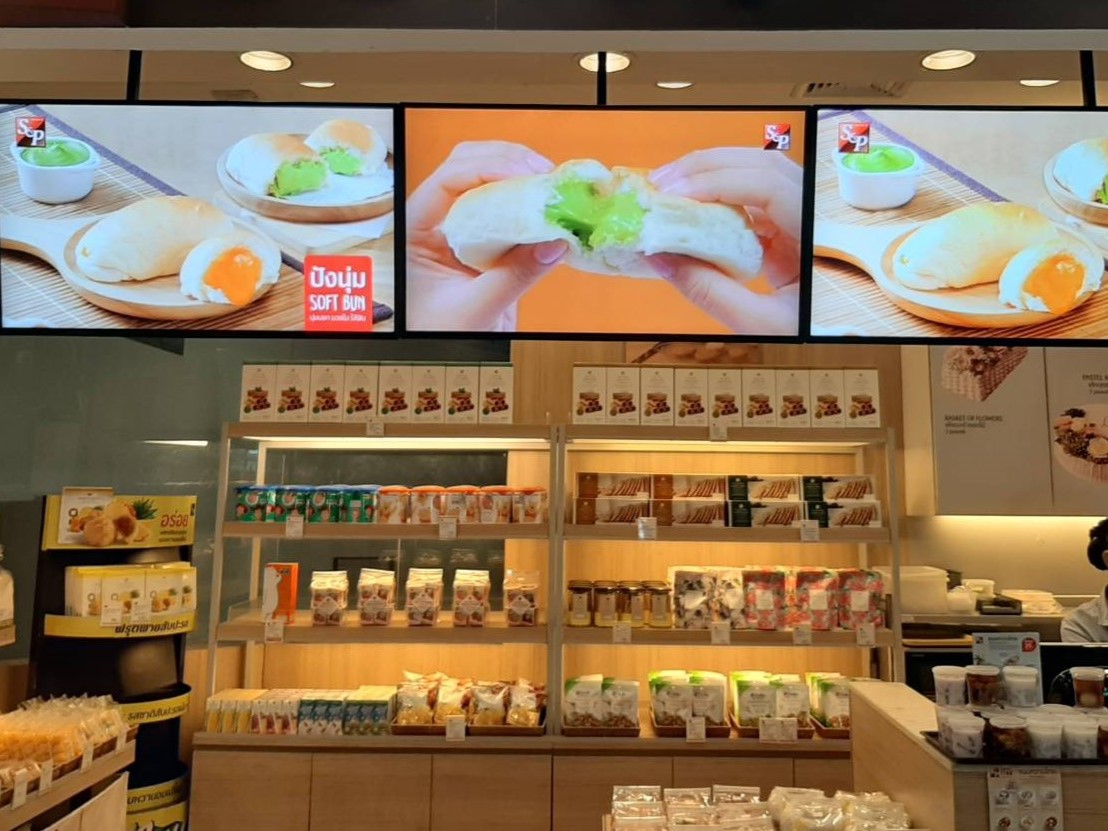
Breakfast, lunch and evening service bring different messages. Define those changes once, then account for the needs of each location.
Use dayparts, recurring schedules and exceptions to organise menus and offers.
Target content to relevant screens and use location attributes where services or promotions differ.
Arrange media in independent zones and playlists, with supporting promotions and information.
A restaurant plans morning, daytime and evening content. Each period has a defined campaign window, while location attributes determine which promotions belong at each site.
Illustrative scheduled workflow. Connected pricing or availability feeds are scoped as integrations where required.
Schedule distribution and review download status on the intended players. Use proof of play to review what ran by campaign, media item or endpoint.
Bring a representative campaign, the player and screen details, and the decisions your teams need to make.
Map service periods, recurring patterns and exceptions such as altered opening hours.
Identify the source, update requirements and ownership of any pricing or availability data connection.
Review the menu-board arrangement, player platform, media resolutions and content layout on representative hardware.
Start a free trial, or book a free demo to explore how CampaignManager could work for your network.